
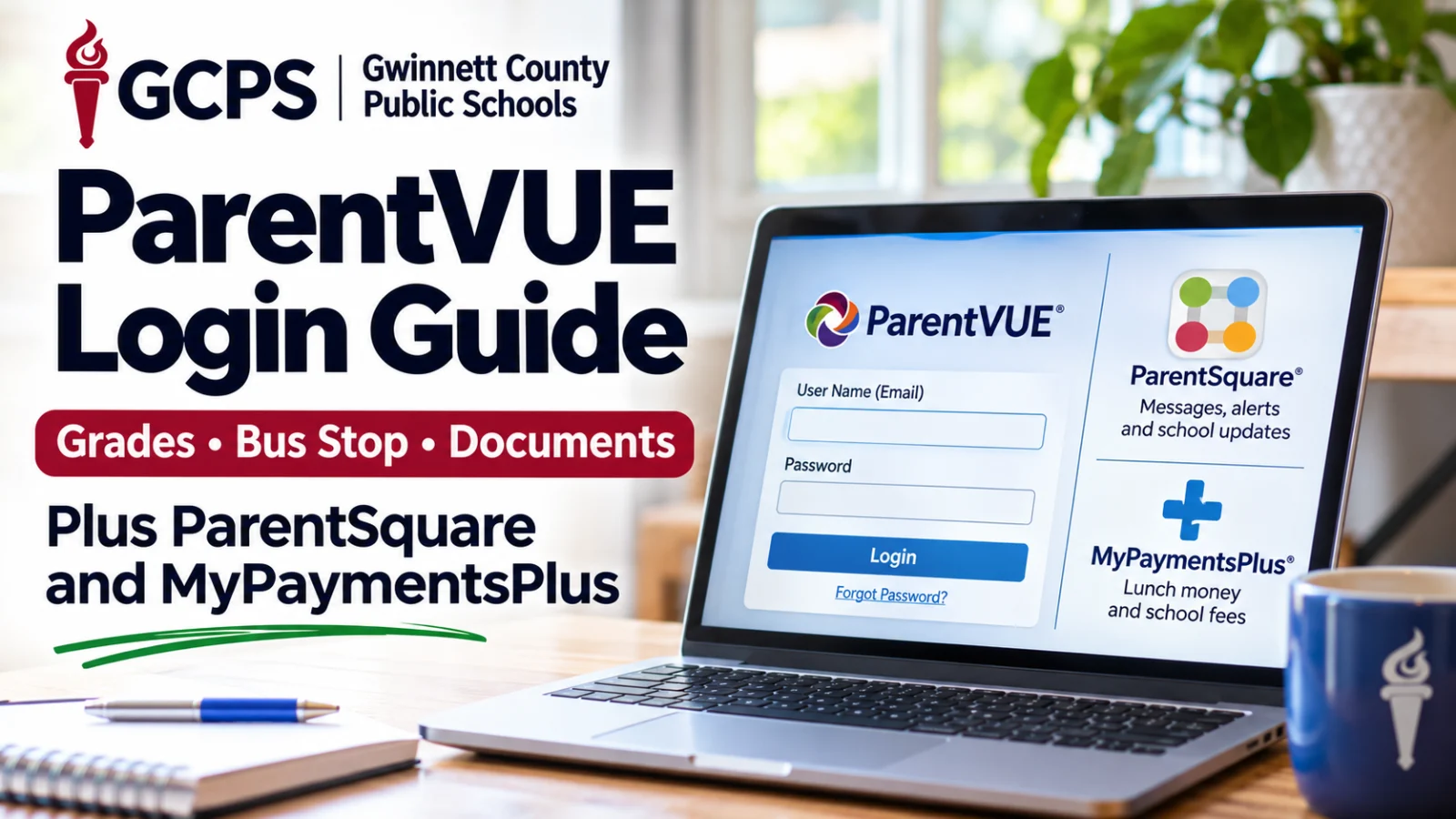
Gwinnett parents juggle three logins, and most lockouts trace back to one thing: the email address your school has on file. Where grades, bus stops, teacher messages and lunch money actually live, and who can fix your account when the reset email never arrives.
Your Gwinnett County Public Schools (GCPS) ParentVUE user name is the email address your child's school has on record, and the district's login page is ga-gcps-psv.edupoint.com. If you have never logged in or forgot your password, choose Forgot Password, enter that email and follow the reset link, according to the GCPS Logging into ParentVUE page, checked October 29, 2026.
Tuesday, November 3, 2026, is a planned Digital Learning Day on the GCPS 2026 to 2027 student calendar, so every student learns from home. It's a good day to make sure all three of your accounts actually work.
How do I log into GCPS ParentVUE?
You log into ParentVUE with your email address on record and a password you set yourself. The same login works on a computer, in a phone browser and in the ParentVUE app.
In the app, which is free in the App Store and Google Play, open it and swipe left to choose your district. The app can use your location to find Gwinnett, or you can search by ZIP code. The app takes the same user name and password as the website.
Why can't I get into ParentVUE?
The most common reason is that the email you're typing doesn't match the one in the school's student records. The reset link only goes to the address on file.
GCPS tells parents who still can't log in to contact their local school. The district does not list a central ParentVUE help line. If you're new to GCPS and don't have an account yet, call your child's school front office.
What can I see in ParentVUE?
ParentVUE is the district's records system for parents. The GCPS ParentVUE page lists grade book data, assignment scores, discipline, report cards, transcripts, class schedules with teacher names and room numbers, course history and fees owed. It also shows which textbooks and library books your child has checked out.
High school families can track graduation requirements and status. One login covers every child you have at any GCPS school.
You can turn on grade alerts in the app under My Account, then Notify, and set a threshold so you only hear about grades below a score you pick. They go out at 5:30 p.m. nightly, according to the district's Grade Notifications page.
ParentVUE is also where you report a full day absence and attach a doctor's note, up to seven days ahead. Same day notes are accepted until 9:00 a.m., per the GCPS Report Absences page. The Documents screen lets you upload a photo of a form from your phone.
Where is my child's bus stop in ParentVUE?
Your child's bus number, stop location and pickup time are in ParentVUE. The GCPS transportation frequently asked questions page calls the parent portal the quickest way to get bus stop information. School pages such as Paul Duke STEM High School's point parents to the same place.
One timing catch from that same district page: from June through mid July, the transportation page in the portal is under construction while routes for the new year are built.
What is the difference between ParentVUE and ParentSquare?
ParentVUE holds records. ParentSquare is where the school talks to you.
That's how GCPS puts it on its ParentSquare vs. ParentVUE page: ParentVUE is for viewing and updating records, and ParentSquare is "the place you go to engage with teachers and staff." In ParentSquare you can message teachers, staff and principals directly, get school and district announcements by email, text or app, see calendar items and receive messages in your preferred language.
Weather closings and delays come through ParentSquare, according to the district's ParentSquare page.
Why am I not getting ParentSquare messages?
ParentSquare builds your account from the preferred email address and phone number listed in ParentVUE. If that information is old, the messages go to the old address.
GCPS also notes that ParentSquare treats a phone number marked as a cell phone as your primary phone. The district's Update Phone Numbers page shows parents adding or editing a phone in ParentVUE under My Account, then Phones, though another GCPS page says only the school can change contact details. Try the ParentVUE phone screen first. If the change doesn't stick, call the school's front office. For a new email or preferred language, contact your child's school. Neither can be fixed inside ParentSquare.
Two more ParentSquare details from the district page:
If you forget your ParentSquare password, use Forgot Password in the app or on the website. The app sends a verification code to your email.
ParentSquare is adding device verification. It will ask for a code when you sign in on a new phone or computer, on a shared device, or when you haven't verified that device in six months.
Back to school forms and permission slips that used to live in MyPaymentsPlus now come through ParentSquare, GCPS says.
What is MyPaymentsPlus used for in GCPS?
MyPaymentsPlus is where you put money on your child's cafeteria account and pay school fees. Parents can use it to see the lunch balance and what your child is buying, set low balance alerts, pay fees, buy a yearbook, register for AP exams and complete some forms and applications.
To sign up, go to MyPaymentsPlus.com or download the app, choose Register Now, then select Georgia and Gwinnett County Public Schools. Pick the parent or guardian option and link each child with the student's GCPS ID and last name. If your child's name includes a suffix, such as Jr. or IV, enter it exactly the way the school has it. Your school can give you the student ID number. Full steps are on the district's MyPaymentsPlus page.
Fees owed also show up in ParentVUE. If the two don't match, ask the school bookkeeper before you pay twice.
How do I register for Gwinnett Online Campus in ParentVUE?
Spring 2027 registration for Gwinnett Online Campus, the district's full time online school, opens December 1, 2026, inside ParentVUE, according to the GOC registration page. Current and former GCPS families use the Gwinnett Online Campus tab after logging in. All required documents have to be uploaded before you submit. Families who have never had a child in GCPS start by creating a new ParentVUE account. Registration questions go to gocregister@gcpsk12.org.
If you're locked out of ParentVUE, fix that before December 1, 2026. Start with Forgot Password using the email your school has on file. If the reset email never shows up, call your child's school and ask them to confirm the email and cell number in the student record. That one call fixes ParentVUE and ParentSquare at the same time. For anything the school can't answer, the GCPS central office in Suwanee is at 678 301 6000.